

Manga translator Chrome extension Translate the chapter you're reading, with one click
Add Moji to Chrome, open a chapter on its site and click Translate. Moji collects the pages and you read them in your language, with the art as it was drawn.
 100 free tokens when you sign up, no card

Slide to compare
The same page before and after Moji. Each translation goes back into its own balloon, so the page still reads like a comic.
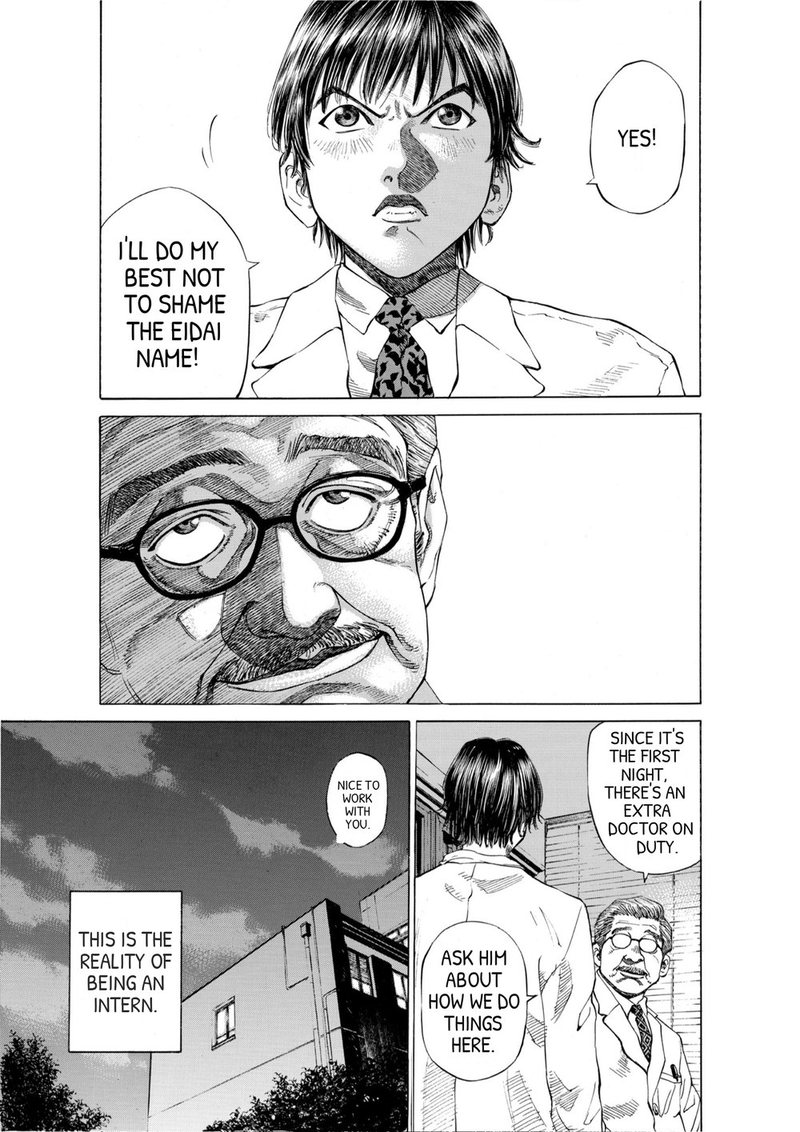
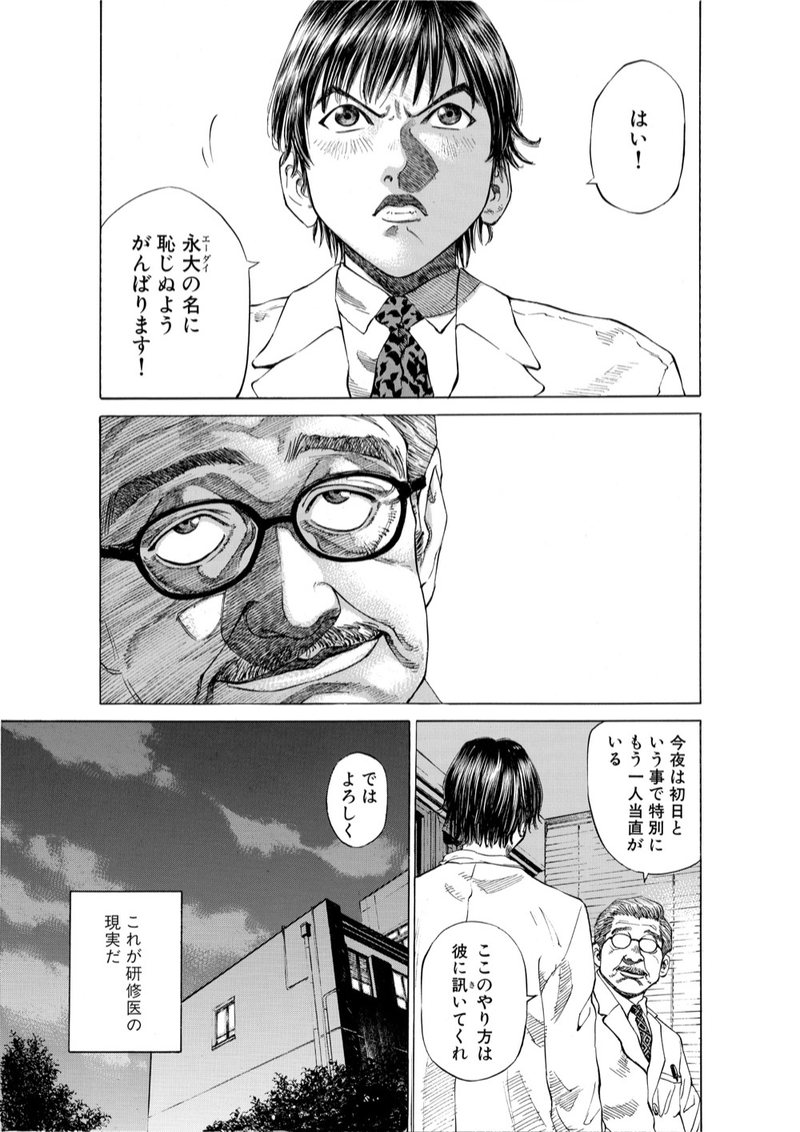 日本語 · original
English · Moji
How the extension works
Why use the extension
-

No downloading pages
The extension finds the chapter's pages for you, long webtoon strips and readers that load pages while you scroll included.
-

57 languages
Japanese manga, Korean manhwa, Chinese manhua and Western comics, with vertical text and right-to-left pages read in the right order.
-

One account, one balance
Sign in once. The extension uses the same account and tokens as the web app, and new accounts start with free tokens.
Questions
Is the Moji extension free?
The extension is free to add, and signing up gives you free tokens with no card. After that, a manga page costs 1 token.
Which sites does it work with?
Comic sites you open in Chrome. The first time on a site, Chrome asks you to let Moji see that site's pages. Moji doesn't host comics.
Does it work in other browsers or on a phone?
The extension is made for Chrome on a computer. In any other browser you can upload chapter files in the Moji web app.
Does it change the text on the site?
No. The site stays as it is. Moji opens the chapter in the web app, where you read the translated pages.

Not sure yet? Start free.
Sign up and get 100 free tokens to try Moji on your own chapters. No card needed.
Try it free