

Translate manga PDF, CBZ and images Drop a chapter, read it in your language
The Moji web app translates manga files from your computer, with nothing to install or convert. The balloons change, the art stays as it was drawn.
 100 free tokens when you sign up, no card

Slide to compare
The same page before and after Moji. The text is fitted into each balloon, so the page still reads like a comic.
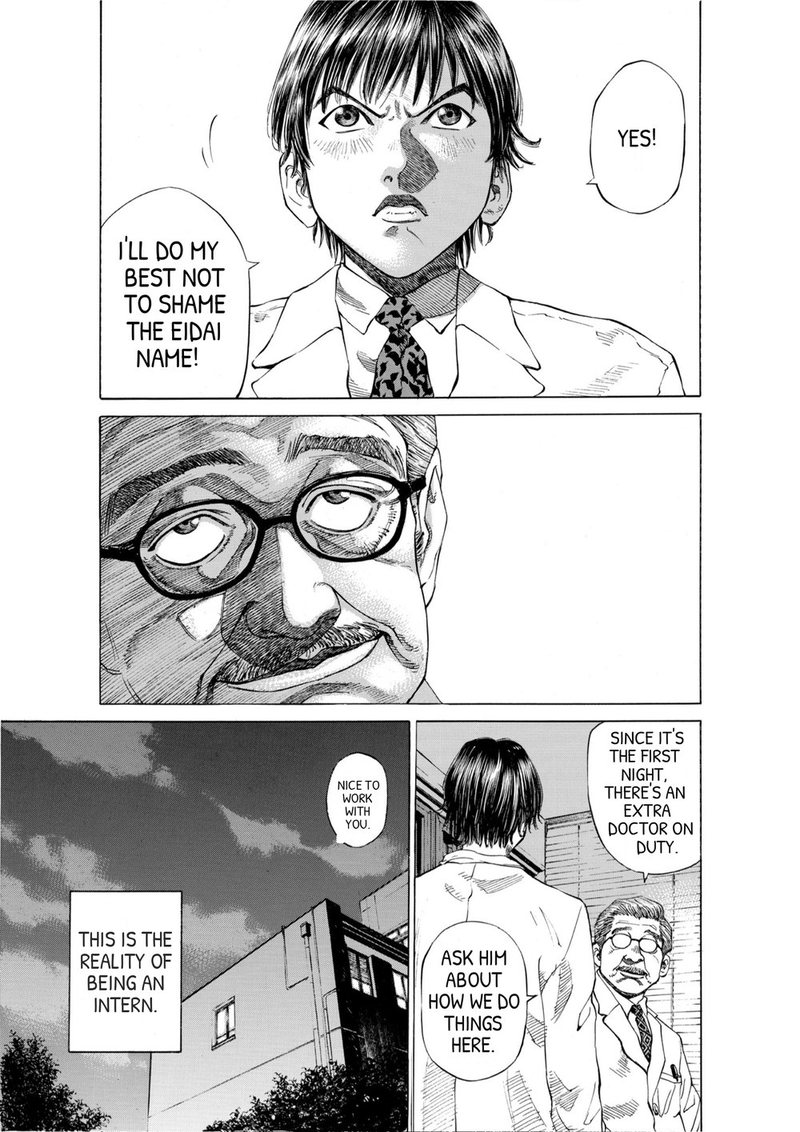
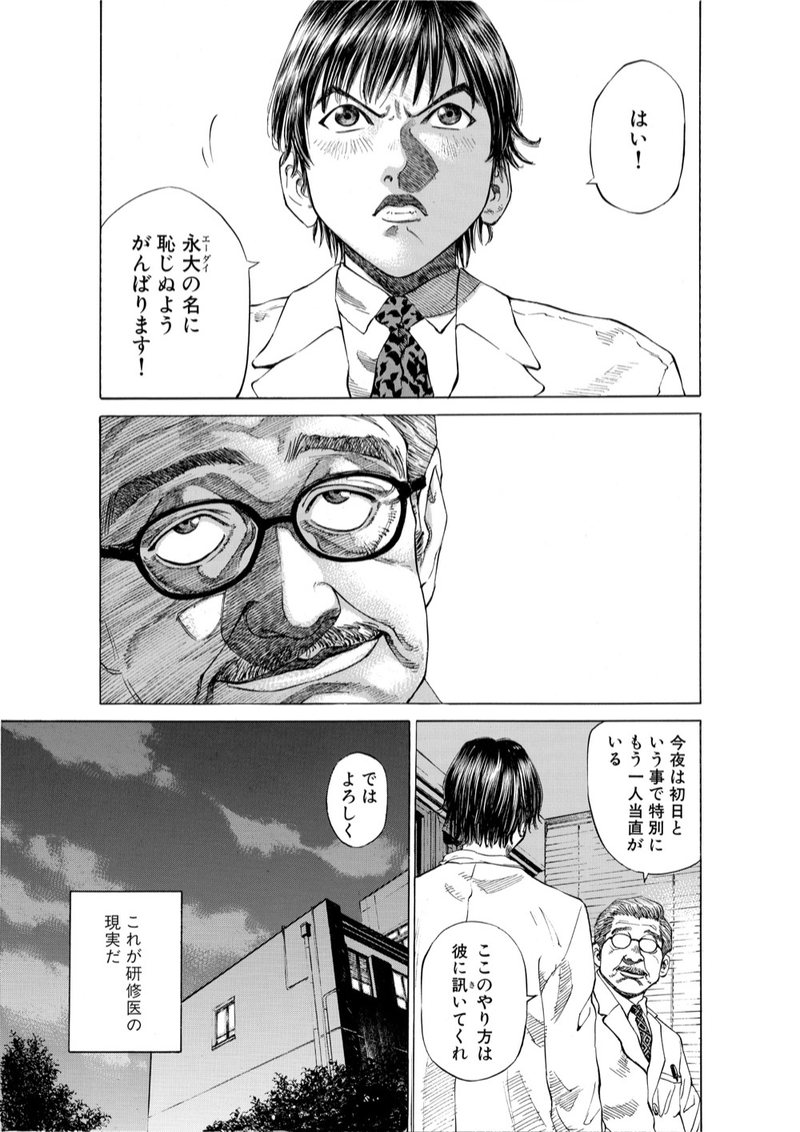 日本語 · original
English · Moji
From file to translated chapter
Built for manga files
-

Pages in the right order
Images and archive entries are sorted the way people number them, so page 10 comes after page 9, not after page 1.
-

Right to left, top to bottom
Japanese pages are read right to left, vertical text included, and every translation goes back into its own balloon.
-

Private by design
Translated pages are deleted from our servers after 24 hours. They're for your own reading and can't be shared or exported.
Questions
Which files can I upload?
PDF files up to 100 MB, CBZ and ZIP archives up to 400 MB, and JPG, PNG or WebP images up to 20 MB each. A chapter can have up to 1,000 pages.
Can I translate a single manga image or screenshot?
Yes. Drop one image and Moji translates it like any other page, for 1 token.
Do I need to install anything?
No. The web app runs in your browser on any computer. The same account works in the Android app.
Can I download the translated PDF?
No. Translations are for your own reading in Moji, so they can't be exported or shared. You read them in the web app or in the Android app.

Not sure yet? Start free.
Sign up and get 100 free tokens to try Moji on your own chapters. No card needed.
Try it free